
Note: The Company Name setting is available in all Time Doctor plans and can be accessed by users with the Owner or Admin role.
TL;DR:
Change the company name by going to Settings / Company Settings, updating the Name field, and letting the page auto-save the changes.
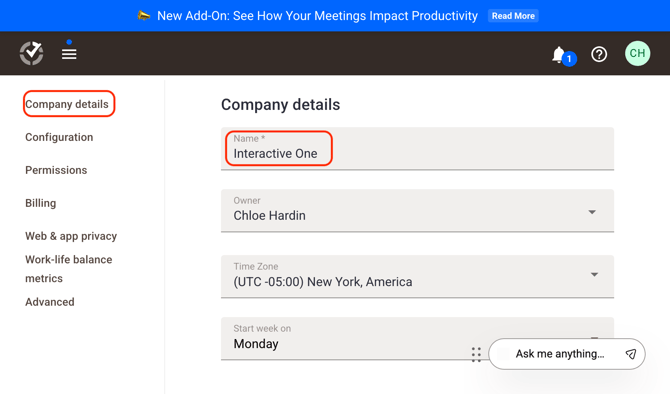
Update the company name (also referred to as the workspace name) in Time Doctor by following these steps:
- Go to Settings / Company Settings Page
- Locate the Name section.
- Enter the new company or workspace name.
- The page will automatically save the changes.
Should there be any inconsistencies or concerns regarding the article, contact support@timedoctor.com for prompt assistance.